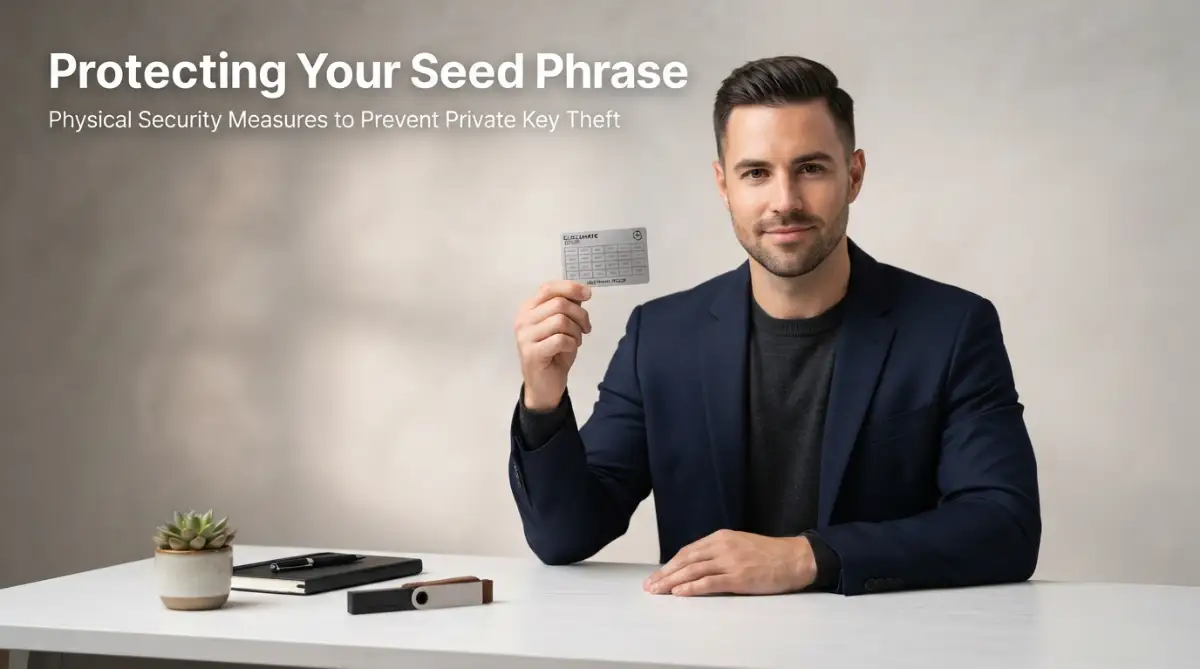
The Silent Worry of Every Modern Crypto Investor
Before that panic-inducing freeze in 2022, I kept all my digital assets on hot wallet apps because I thought hardware devices were too complicated. I used to wake up multiple times a night just to check if my exchange account was still active. Experiencing that sudden lockdown made me realize that convenience is the enemy of real security.
I still remember the cold sweat that broke on my forehead back in 2022 when a major exchange suddenly froze all withdrawals. I had almost my entire savings sitting on that app, and for three agonizing days, I could not log in or withdraw a single dime. That terrifying experience changed how I look at crypto security forever, and it made me realize how fragile our digital assets really are when we do not truly own them.
Imagine waking up at two in the morning. Your phone screen glows brightly in the dark.
You open a social media app and see a shocking headline. Another major exchange has gone offline, or a massive online wallet platform has been hacked.
Your heart sinks instantly. You rush to check your app, typing in your password with shaking fingers.
This is the daily reality for millions of people holding digital coins today. The constant fear of losing hard-earned money to unseen online thieves ruins the joy of investing.
Many people spend hours staring at charts, but they cannot sleep peacefully at night. They worry that a single wrong click or a clever phishing email could wipe out their entire savings.
It is a stressful way to live. The digital space is full of clever traps, and online hot wallets are always exposed to the internet.
When you leave your funds on an exchange, you do not really own them. You are simply trusting a middleman to keep them safe for you.
If that company fails or gets hacked, your coins might disappear forever. It is time to take back control and protect your hard work.
Why Leaving Your Coins on Exchange Apps is a Risk
Think of a traditional bank. When you deposit cash, the bank holds it, but you trust them because of heavy government regulations.
Crypto is very different. If an exchange shuts down, there is often no insurance policy to save your funds.
The famous saying "not your keys, not your coins" is highly popular for a reason. If you do not hold the private keys, you are not the true owner.
Online exchanges are massive targets for international hackers. These platforms hold billions of dollars, making them a goldmine for cybercriminals.
Even with strong passwords, your account can still be vulnerable. Sim-swapping, malware, and fake websites can easily compromise your login details.
Using a cold storage wallet removes this risk completely. It acts as your personal digital vault, far away from any internet connection.
The Magic of Cold Storage: How Offline Wallets Keep You Safe
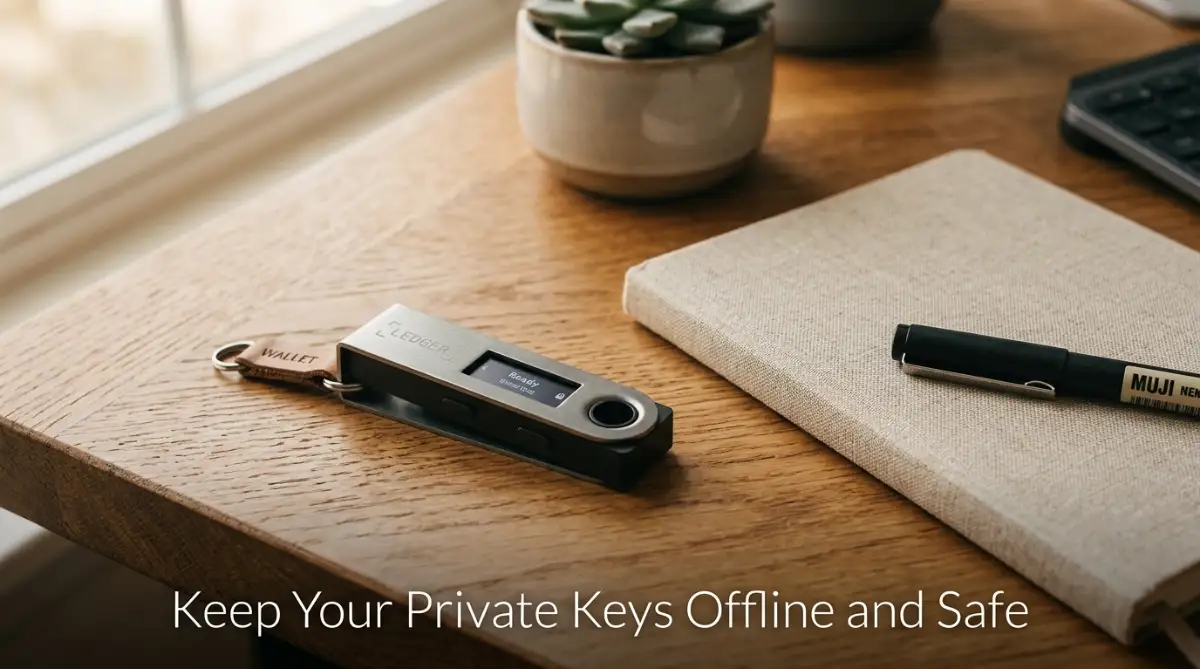
A cold storage wallet is a physical device that keeps your private keys completely offline. Private keys are the secret codes that let you move your coins.
When these keys are online, they can be copied by hackers. When they are offline, they are physically impossible to reach through the internet.
This means even if your computer has malware, your coins remain perfectly safe. The device does not connect to the web directly.
You only connect it to your computer or phone when you want to send a transaction. Even then, the device signs the transaction internally.
Your private keys never leave the physical hardware. It is like having a physical key to a heavy metal safe in your room.
FeatureHot Wallets (Online Apps)Cold Wallets (Physical Devices)Internet ConnectionAlways connectedCompletely offlineSecurity LevelModerate to LowVery HighRisk of Online HacksHighZeroSetup CostFreeRequires purchasing a deviceBest Used ForSmall daily trading amountsLong-term savings and holding
Myth vs. Reality: Clearing the Confusion About Hardware Devices
Many beginners avoid cold storage because they find it too complicated. Let us clear up some common misunderstandings.
Myth: The physical device actually holds your digital coins inside it.
Reality: Your coins live on the public blockchain network. The physical device only holds your private keys, which act as the ownership certificate for those coins.
Myth: If you lose the physical device, you lose all your money forever.
Reality: You can easily recover your funds on a new device using your recovery seed phrase. The physical device is just a gateway, not the storage room.
Myth: Cold storage wallets are only for wealthy investors with huge portfolios.
Reality: Anyone who wants peace of mind should use them. Even a small portfolio is worth protecting if it represents your hard-earned savings.
Step 1: Choosing and Buying the Right Hardware Device
The first step to safety is getting a reliable hardware device. You must be very careful about where you purchase it.
Always buy directly from the manufacturer's official website. Never buy a used device from online marketplaces like eBay or Amazon.
Third-party sellers might open the package, copy the recovery phrase, and seal it back up. Once you put your funds in, they can steal everything instantly.
When the package arrives at your home, check the box carefully. Look for any broken seals or signs of tampering on the plastic wrap.
If anything looks suspicious, do not use the device. Contact the company support team immediately to ask for a replacement.
Step 2: Setting Up Your Device in a Private Space
When you are ready to set up your device, find a quiet and private room. Make sure no cameras or smart devices are pointed at your desk.
Plug the device into your computer using the cable provided in the box. The device screen will light up and guide you through the process.
You will first need to create a strong PIN code. This PIN unlocks the physical device when you plug it in.
Choose a PIN that is hard to guess. Avoid easy sequences like "1234" or your birth date.
Worried about setting up your new device incorrectly? Watch this clear, walk-through video to see the entire physical setup process live before you start writing down your secret phrases below!
Setting up your physical wallet for the first time can feel a bit scary, so seeing it done live makes a world of difference. Check out this quick, step-by-step video guide below to see exactly how the setup works before reading the detailed steps below!
Step 3: Writing Down Your Secret Recovery Phrase
This is the most critical step of the entire process. The device will show you a list of 12 or 24 random words on its screen.
This list is called your recovery seed phrase. If your device breaks, gets lost, or is stolen, these words are your only backup.
Write these words down on the physical paper cards provided in the box. Write them in the exact order they appear.
Pro Tip: Never type these words into a computer, take a photo of them, or save them in a cloud storage app.
In my early investing days, I almost made the terrible mistake of keeping a screenshot of my seed phrase in a private photo album on my phone. Luckily, a friend warned me that cloud backups get hacked every single day, prompting me to delete the photo and write the words down on physical paper immediately. Keeping your backup completely offline is the single most important rule of the game.
save them in a cloud storage app
If your phone or computer gets hacked, a digital photo of your seed phrase is all a thief needs to take your money. Keep it purely physical.
Step 4: Verifying the Words and Securing the Paper
Your device will ask you to confirm some of the words to make sure you wrote them down correctly. Take your time during this step.
Once confirmed, the setup is complete. Now, you need a safe place to hide your paper backup.
Do not just leave it on your desk or in a drawer. Consider using a fireproof bag or a small home safe.
Some investors use metal backup tools. These are metal plates where you engrave the words, protecting them from water and fire damage.
Step 5: Testing Your Device with a Tiny Amount
Before moving all your savings, always do a small test. Send a very small amount of crypto to your new cold storage address.
Verify that the transaction goes through and displays correctly on your device companion app.
Next, try sending a tiny amount back out of your wallet. This helps you understand how to sign transactions with the physical buttons on your device.
Once you feel comfortable and see that everything works, you can safely transfer the rest of your assets.
This simple test builds your confidence. It ensures you know exactly how the process works without risking your entire balance.
Next-Level Safety Tips for Long-Term Asset Protection
Now that you understand the basic setup, we can look at some advanced methods to protect your funds[1]. Securing your digital coins is not a one-time task; it requires a continuous habit of safety.
By applying a few simple but powerful habits, you can make your offline wallet almost impossible to breach. Let us look at how the experts keep their digital funds safe over the long term.
The Power of a Hidden Passphrase
Many modern cold wallets offer an advanced feature called a passphrase. This is often referred to as the twenty-fifth word.
When you set up your standard twenty-four-word seed phrase, you can choose to add a unique word or phrase of your own. This extra word is never stored on the physical device itself.
Even if someone steals your paper backup sheet, they still cannot access your coins without this hidden phrase. It acts as an invisible lock on top of your existing security.
If you decide to use this feature, you must memorize the passphrase or store it in a completely separate physical location. Losing this single word means your hidden account is gone forever, so use it with care.
Keeping Your Wallet Software Healthy and Updated
Just like your smartphone apps, your cold wallet needs regular software updates. The companies that build these devices constantly release new updates to patch potential bugs and security threats.
Always use the official companion app on your computer to perform these updates. Never download updates from unofficial websites or links sent to your email.
Before you start any update, make sure you have your recovery paper nearby. While updates rarely cause issues, having your backup ready gives you total peace of mind.
Protecting Your Physical Recovery Sheets
Paper is fragile and can easily be destroyed by water, fire, or time. To protect your backup for many years, you should consider moving away from standard paper.
Many experienced investors use metal storage plates made of stainless steel or titanium. These plates are built to survive house fires, floods, and physical crushing.
You can slide or engrave your recovery words directly into the metal. Once locked, you can hide this plate in a secure location, knowing it will survive almost any disaster.
Building digital wealth takes a lot of time and effort. Many people search for ways to learn search engine optimization to earn online or figure out how to create a profitable blog on a budget.
Once you start earning money from these digital skills, your priority must shift to protecting what you have made. The same is true if you work in creative fields and find ways to monetize graphic design skills as a beginner.
Saving your earnings is one thing, but keeping those savings secure over time requires absolute focus. Using a cold wallet is the most reliable way to make sure your hard work does not go to waste.
To understand more about the science of keeping secret keys safe, you can read the NIST Key Management Guidelines which explain how professional organizations handle cryptographic keys[2].
Establishing a Multi-Signature Setup
For those holding a very large amount of assets, a single cold wallet might still feel risky. In this scenario, you can explore a multi-signature setup.
This method requires multiple independent cold wallets to sign a transaction before any funds can move. For example, you might require two out of three devices to approve a transfer.
You can keep one device at home, one in a bank safety deposit box, and one with a trusted family member. Even if a thief steals one device, your funds remain fully secure.
While this setup requires more steps to manage, it removes the risk of a single point of failure. It is the gold standard of safety used by major financial institutions around the globe.

Dangerous Pitfalls That Can Wipe Out Your Crypto Savings
Even with the best hardware device, human mistakes can still cause devastating losses. The digital space is full of clever traps designed to exploit temporary moments of confusion.
By learning about these common errors, you can easily protect yourself and your family. Let us look at the habits and mistakes that lead to lost funds.
The Trap of Digital Backups
The biggest mistake beginners make is taking a digital picture of their recovery sheet. It seems convenient to snap a photo with a smartphone or save the words in a drafting app.
However, if your phone syncs to a cloud service, your backup is now stored on the internet. If a hacker gains access to your cloud account, they can easily read the image and steal your funds.
Never type your recovery words into a computer keyboard, email, or text message. The recovery phrase must exist only in the physical world on paper or metal.
Falling for Phishing and Fake Support
Scammers are incredibly smart and often pretend to be official customer service agents. They create fake websites and social media pages that look exactly like your wallet manufacturer.
These bad actors might message you, claiming that your device has a critical error. They will ask you to enter your recovery words into a website to "verify" your account.
No legitimate company will ever ask for your recovery phrase. If any website, app, or person asks for those words, it is always a scam.
If you feel confused, shut down your computer and take a break. Taking a moment to think clearly can save you from making a hasty, permanent mistake.
You can learn more about how to identify online threats by checking the official guidelines on defending against digital threats published by government cybersecurity experts[3].
Neglecting Physical Security and Location Control
Some investors keep their hardware devices and recovery sheets in the exact same desk drawer. This is highly risky because a single house fire or a home break-in can ruin both at once.
Always separate the physical device from your backup sheet. Your device requires a PIN code to open, so it is relatively safe if someone finds it.
However, your recovery sheet has no PIN protection. Anyone who finds those words can access your money instantly from any computer in the world.
Store your recovery sheets in a location that only you and your most trusted family members know about. Treat those papers like actual physical gold.
Taking control of your own keys might feel a little scary at first, but the sheer relief of finally sleeping through the night without checking your phone is worth every bit of effort. Do not wait for a major exchange collapse to teach you this hard lesson—get your assets offline today and finally enjoy the true peace of mind you deserve.
Taking my coins off the exchanges and setting up my first hardware wallet was the most empowering step I ever took for my financial peace of mind. Knowing that my hard-earned savings are completely out of reach for online hackers lets me finally sleep soundly every night. Don't wait for the next major exchange platform to lock its doors before you decide to protect your future.
Disclaimer
This article is provided for educational and informational purposes only and does not constitute financial, investment, or legal advice. Cryptocurrency investments are highly volatile, carry significant financial risks, and offer no guarantees of profit. We recommend consulting a licensed financial advisor or qualified professional before making any investment or security decisions.
While we strive to provide helpful information, we make no guarantees regarding its accuracy, completeness, reliability, or timeliness, as technology and market conditions change over time. Readers use this content at their own discretion and risk. Neither the website, author, nor publisher shall be held responsible for any direct or indirect loss, damage, or consequences resulting from the use of this information.
Any external links included are for convenience only and do not imply endorsement. Additionally, some links may be affiliate links, meaning we may earn a commission at no extra cost to you if you make a purchase. Security and investment actions are solely your responsibility.