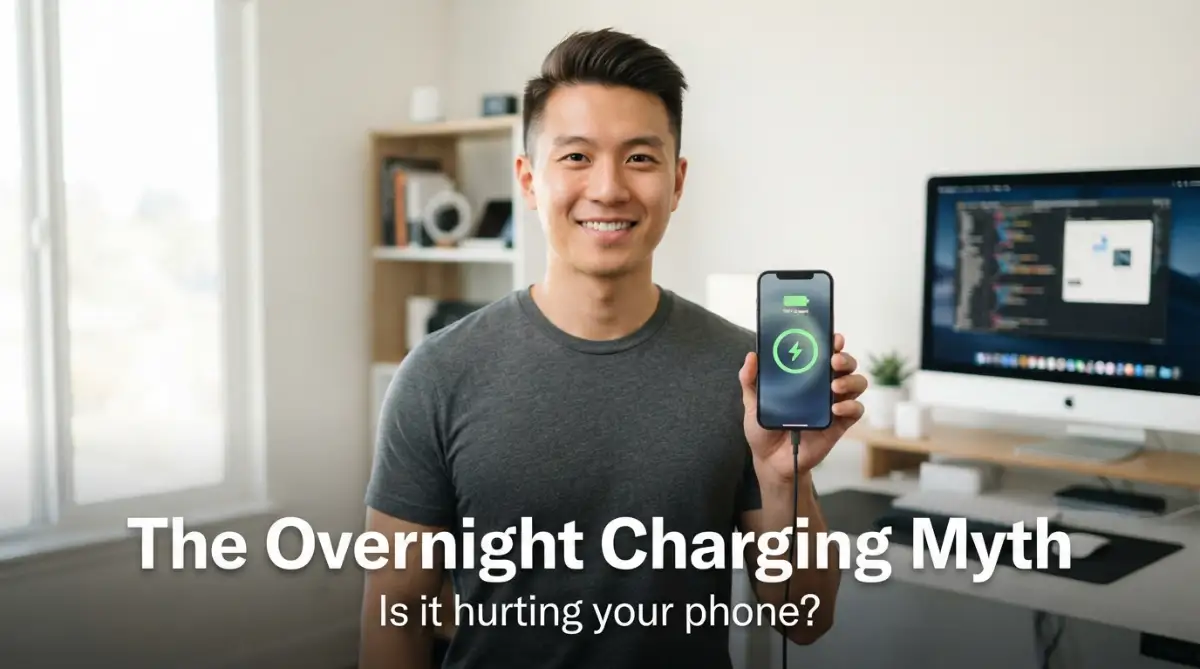
The Midnight Panic: Inside Our Daily Battle with Phone Batteries
Do you lay awake at night staring at that tiny green charging light on your nightstand, wondering if you are slowly killing your expensive phone? It is a stressful routine we have all practiced, fueled by old advice from twenty years ago. Let us pull back the curtain on modern lithium chemistry and find out how to keep your battery healthy without losing sleep.
You wake up in the middle of the night to grab a glass of water. Your eyes catch a small, bright glow coming from your nightstand. It is your smartphone, plugged into the charger, sitting silently at a full charge.
Suddenly, a wave of worry hits you. You wonder if keeping the phone plugged in for another four hours will slowly ruin its expensive battery. This is a very common worry that millions of smartphone users face every single day.
We live in a world where our phones are our life lines. They hold our memories, our work, and our connections to the people we love. When the battery life starts to drop, it feels like our connection to the world is slipping away too.
You might remember the older days of electronics when leaving a device plugged in too long could actually cause it to swell or stop holding a charge. Because of those old memories, many of us still feel guilty every time we leave our devices connected to the wall overnight.
This constant worry makes us do strange things. Some people set mid-night alarms just to unplug their devices. Others wait anxiously until their screen hits a specific number before they can finally go to sleep.
It is time to put these worries to rest. Let us look at how modern technology actually works and find out if we are really hurting our screens and batteries while we sleep.
I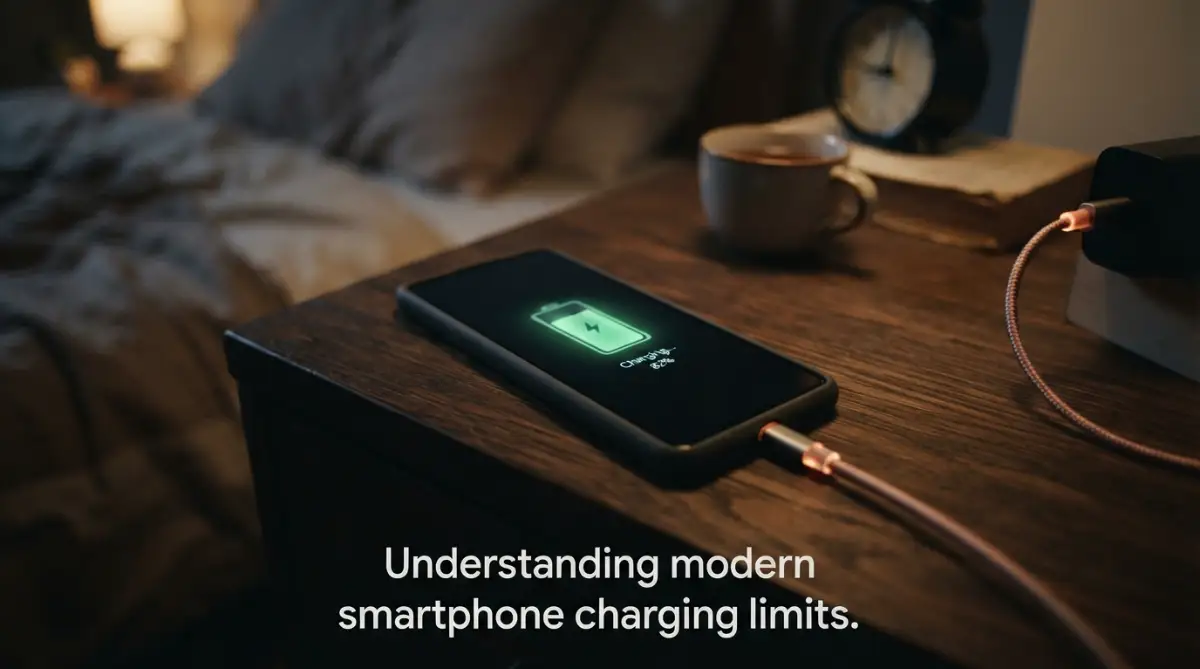
The Cheat Sheet: Safe Charging
Before we dive into the science of modern smartphone charging, here is a quick summary of how to preserve your battery life:
- Phones don't overcharge: Built-in smart chips physically shut off power once your phone hits 100%.
- Heat is the real killer: Avoid charging your phone under a heavy pillow or inside a thick, bulky case.
- The 80/20 Rule: Keeping your phone's battery level between 20% and 80% can double its total lifespan.
- Turn on Software Protection: Enable "Optimized Battery Charging" in your settings to pause overnight charging at 80%.
The Smart Guard Inside Your Phone: How Modern Charging Actually Works
To understand if overnight charging is safe, we first need to look at what happens when you plug your device into a wall outlet. Modern smartphones do not use the simple batteries of the past.
Today, every major smartphone uses a lithium-ion battery. These batteries are incredibly light, hold a lot of power, and charge much faster than older battery types.
The most important thing to know is that your phone is much smarter than you might think. It does not just blindly accept electricity until it bursts.
Inside your device, there is a dedicated computer chip called a Power Management Integrated Circuit (PMIC). Think of this tiny chip as a highly trained security guard for your battery.

When you plug your phone in, this guard opens the gates and let the electricity flow in at high speed. As the battery gets closer to being full, the guard slowly starts to close the gates.
Once your battery reaches exactly 100 percent, the guard shuts the gate completely. At this point, the phone stops drawing power from the charger to fill the battery.
Instead, the phone runs directly on the power coming from the wall outlet. The charger will only send a tiny drop of power if the phone's battery naturally drops to 99 percent.
This process is called trickle charging. Because of this smart system, your phone cannot actually "overcharge" in the way people used to fear.
The Real Villains: What Is Actually Damaging Your Battery?
If overcharging is not the main problem, why do phone batteries still get worse over time? Why does a phone that used to last all day now need a charge by lunchtime?
The answer lies in two main enemies: heat and voltage stress.
When a lithium-ion battery is charged to 100 percent, it is under high physical stress. The chemical components inside are pushed to their absolute limits.
Imagine stretching a rubber band as far as it can go. If you hold it fully stretched for hours every single night, it will eventually lose its bounce.
That is exactly what happens when you keep your phone at 100 percent for hours while you sleep. The high voltage state puts constant wear on the internal materials.
The second major enemy is heat. Charging naturally creates heat because of electrical resistance.
If you charge your phone on a soft bed, under a heavy pillow, or inside a thick plastic case, that heat gets trapped. High temperatures speed up the chemical breakdown inside the battery.
So, while the electricity stops flowing at 100 percent, the combination of high voltage stress and trapped heat will slowly reduce your battery's total lifespan.
I used to charge my phone under my pillow while keeping it inside a thick, rugged protective case because I liked having it close to me. My phone would frequently wake me up because it was burning hot to the touch, and within a single year, my battery health dropped to seventy percent. Once I started removing the case and charging it on a flat wooden desk, my new phone stayed perfectly cool and preserved its life much longer.
The Battle of the Myths: What Is True and What Is False?
There are so many rumors online about phone charging that it can be hard to know what to believe. Let us break down the most common beliefs to see what is real.
The Golden Rule of Battery Care: The 80/20 Range
If you want your phone to last for three, four, or even five years, you should try to live by the 80/20 rule.
Battery scientists agree that lithium-ion batteries are happiest when they are kept between 20 percent and 80 percent charged.
Think of your battery like a human lung. It is very hard to breathe when your lungs are completely empty, and it is also uncomfortable to hold them completely full of air.
Your battery feels the exact same way. Staying in the middle range keeps the chemical reactions balanced and calm.
Of course, this does not mean you should never charge your phone to 100 percent. If you have a long day of travel ahead, go ahead and fill it up.
But for normal daily use, letting your phone sit between 20 percent and 80 percent will greatly extend its overall life. You will see far less capacity loss over the years.
Before you plug in your phone tonight, watch this short video that visually explains the 80/20 rule. Seeing how battery cells react to high voltage will show you exactly how to double your phone's lifespan with ease!
How Your Phone Uses Smart Software to Save Itself
Thankfully, phone makers know about the stress of overnight charging, and they have built clever software tools to help us.
If you use an iPhone, you might have noticed a feature called Optimized Battery Charging. This tool is incredibly smart.
It actually learns your daily sleep schedule. If you plug your phone in at 11 PM and wake up at 7 AM, the phone will quickly charge to 80 percent and then stop.
It will sit at 80 percent for most of the night, keeping the battery relaxed and cool. Then, right around 6 AM, it will slowly charge the final 20 percent so it is fully ready when you wake up.
Android phones have similar options. Many Samsung devices have a setting called Protect Battery.
When you turn this on, the phone will stop charging completely once it hits 80 percent or 85 percent. It will never go to 100 percent, saving the battery from high voltage stress.
To find these options, simply open your phone's settings, tap on Battery, and look for health or charging optimization settings. Turning these features on is the easiest way to protect your device.
An Easy Analogy: The Crowded Parking Lot
To make this chemical process easy to understand, let us picture a crowded parking lot.
The empty spaces in the parking lot represent the places where lithium ions can store energy. The incoming cars are the electrical current from your charger.
When the parking lot is completely empty, it is incredibly easy for cars to drive in, find a spot, and park. This is why your phone charges so fast when it is low on power.
But as the parking lot fills up to 90 percent, finding a spot becomes very difficult. Cars have to drive around slowly, turning corners and searching for that last open space.
This extra searching creates friction, which turns into heat and stress.
Forcing those last few cars into the tightest spots at the very back of the lot takes a lot of effort. By stopping the process at 80 percent, you avoid all that unnecessary stress and keep the traffic flowing smoothly.
Simple Daily Habits to Keep Your Battery Healthy
You do not need to become obsessed with battery percentages to take good care of your phone. Just making a few simple adjustments to your daily routine can make a massive difference.
First, take off your phone case if you plan to charge it overnight. This allows the heat to escape into the air, keeping the phone much cooler.
Second, avoid charging your phone in direct sunlight or near warm areas. Never leave your phone charging on a hot car dashboard or next to a sunny window.
Third, use high-quality cables and plugs. You do not have to buy the most expensive accessories, but you should stick to trusted brands that have built-in safety features.
Fourth, try to do quick top-ups during the day instead of one long charge overnight. Plugging your phone in for fifteen minutes at your desk or in your car can keep you in that sweet spot without overnight stress.
Finally, do not let your phone sit at 0 percent for days. If a battery stays completely empty for too long, it can fall into a deep discharge state and might never turn on again.
Let us look at how charging habits directly impact your battery's lifespan.
Finding Peace of Mind in a Connected World
At the end of the day, our smartphones are tools meant to serve us, not things we should constantly stress over.
While overnight charging does cause a small amount of wear over time, modern devices are built to handle this stress remarkably well.
If you buy a new phone every two years, you likely do not need to worry about overnight charging at all. The natural decline of the battery will not be noticeable in that short time.
But if you like to keep your devices for many years, using smart charging settings and keeping your phone cool will save you a lot of money on battery replacements.
The next time you plug your phone in before going to sleep, remember that your phone is smart enough to protect itself from exploding.
With a few quick settings tweaks, you can sleep soundly knowing your phone will be ready for you in the morning, safe and healthy.
Mastering the Art of Longevity: Advanced Habits for Phone Power Users
Taking care of your device goes far beyond simply knowing when to plug it in and when to pull the plug. To truly get the most out of your hardware, you need to think like a hardware developer and manage the exact physical conditions of your device.
One of the most effective habits you can adopt is managing your charging speed based on your immediate needs. While super fast charging is amazing when you are in a rush, using it every single day can put unnecessary strain on your internal hardware.
Most modern devices allow you to toggle off fast charging or super fast charging inside your battery settings menu. By turning this off for your overnight charging routines, your phone will draw power at a slow, cool, and steady pace.
Think of fast charging like running a sprint, while slow charging is a calm, relaxing walk in the park. Sprints are great when you are late, but nobody should run a sprint while they are trying to sleep.
Another highly effective strategy is practicing what battery engineers call micro-charging or shallow discharges. Instead of waiting for your phone to drop from 100 percent all the way down to a low level, try plugging it in for small five-minute or ten-minute periods throughout your day.
These quick sessions keep the internal battery chemistry stable and prevent the extreme state changes that cause wear. If you also use other portable devices, you might find that similar rules apply to keeping them running smoothly over time.
According to scientific research on lithium-ion degradation patterns, keeping a lithium cell away from high voltage limits can easily double the total number of useful charge cycles. This means your device will perform like new for years instead of starting to lag and lose capacity after just twelve months.
We must also talk about the way you use your workspace to manage your electronic devices. Keeping your phone resting on a cold surface, such as a wooden desk or a metal stand, allows the heat generated during charging to dissipate much faster.
If you charge your phone next to other warm electronics like a laptop or a desktop computer, you are creating a hot micro-climate. Try to give your charging phone its own dedicated space away from other heat sources so it can stay as cool as possible.
You should also keep an eye on your background software settings to ensure your phone is not working too hard while connected to the wall. Some heavy apps continue to run background processes, sync massive files, or download updates while your device charges.
By turning off background app refresh for apps you do not use often, you reduce the workload on your phone's main processor. Less background work means less heat, which is always the ultimate goal for preserving physical hardware.
If you are going to store an old phone in a drawer as a backup device, never store it with a completely empty or a completely full battery. The ideal storage level is right around 50 percent, which keeps the chemistry perfectly balanced while the device is turned off.
Check on your backup phone every few months and charge it back up to 50 percent to prevent it from slipping into a permanent sleep state. These tiny, proactive steps require very little effort but will save you hundreds of dollars in repair fees down the road.
I
Silent Habits That Are Secretly Shortening Your Battery Lifespan
While you now know that modern phones will not explode from being left on the charger, there are still several everyday habits that do serious damage. Many people make these mistakes without ever realizing they are slowly destroying their expensive hardware.
Perhaps the most common mistake is charging a device while keeping it trapped inside a heavy, thick protective case. While these rugged cases are great for preventing screen cracks during a drop, they act like a heavy winter coat when your phone is plugged in.

The heat generated by the battery has nowhere to go and gets pushed right back into the delicate internal components. This creates a tiny, trapped oven that cooks the battery cells and speeds up permanent capacity loss.
If you want to keep your phone protected but still charge it safely, look for cases made from breathable materials, or simply slide the case off before plugging it in. It only takes a second, but your hardware will thank you for the breathing room.
Another major pitfall is using ultra-cheap, unbranded charging accessories that you bought at a gas station or a discount store. These cheap cables and wall plugs often lack the advanced safety chips required to regulate electricity safely.
They can send unstable currents into your phone, bypassing the careful rules of how charging protocols manage current flow to prevent cell breakdown. A sudden power surge through a poor cable can permanently damage your phone's charging port or wear out the battery much faster than a certified cable would.
You should also avoid the habit of letting your phone constantly drop to zero percent before you finally scramble to find a plug. Every time your phone completely dies, it causes a deep discharge state that places immense physical stress on the battery electrodes.
Doing this repeatedly will cause the chemical structure inside the battery to break down, resulting in a sudden drop in maximum capacity. Try to think of 20 percent as your new absolute zero, and make it a habit to find a charger before your screen starts flashing red.
We must also address the dangerous habit of playing heavy mobile games or rendering videos while your phone is fast-charging. This creates a double-heat effect where both the screen, the processor, and the battery are generating maximum heat at the exact same time.
This extreme thermal load is one of the quickest ways to cause permanent battery swelling and hardware failure. If you need to use your phone for heavy tasks, unplug it first, do your work, and then plug it back in when you are ready to set it down.
Where you place your phone while it charges is just as important as the cable you use to plug it in. Avoid charging your phone on top of soft surfaces like beds, blankets, or couches that trap heat and block natural airflow.
The exact same rules of physical care apply to your small personal gadgets and your home energy systems alike. Keep your technology cool, give it proper ventilation, and avoid placing it in hostile environments if you want it to last.
Finally, do not ignore the warning signs of a failing battery, such as a screen that feels unusually warm even when not in use. If you notice your phone's back cover starting to bulge or bend, stop using the device immediately and take it to a certified repair center.
A swollen battery is a serious safety hazard that should never be ignored or left plugged into a wall charger overnight. By staying alert and avoiding these common pitfalls, you can protect your investment and enjoy a fast, reliable phone for years to more.
The Ultimate Blueprint for Long-Lasting Mobile Power
To wrap things up, taking care of your mobile battery does not have to be a source of stress or anxiety in your daily life. By understanding the simple science of lithium cells, you can easily make smart decisions that protect your phone without turning your routine upside down.
Remember that modern devices are built with incredible safety systems designed to prevent overcharging and keep you safe while you sleep. You do not need to wake up in the middle of the night or watch your screen constantly to prevent a disaster.
Instead, focus on the simple, high-impact habits that actually make a real difference in the long run. Keep your device cool, use high-quality cables, turn on smart charging features, and try to stay within that comfortable middle battery range whenever you can.
If you are ready to take control of your device's health today, here is a quick action checklist you can start using tonight:
- Go into your phone's battery settings right now and enable "Optimized Battery Charging" or "Protect Battery."
- Remove any heavy plastic cases before you plug your phone in for a long overnight charge.
- Move your charging cable to a hard, flat surface like a desk or a nightstand instead of leaving it on your bed.
- Grab an extra certified charging cable for your office or car so you can easily do quick, healthy top-ups during the day.
By making these small adjustments part of your normal routine, you will protect your hardware and keep your phone running at peak speed. Your battery will stay healthy, your device will stay fast, and you can finally enjoy true peace of mind every time you plug in.
You do not have to let battery percentages control your daily life or keep you awake at night. Learning to manage your charging habits is a simple way to protect your investment and save money on future repairs. Turn on those smart battery-saving settings tonight, keep your phone cool, and enjoy your sleep without any unnecessary worry.
Disclaimer
The information provided in this article is for educational and informational purposes only. While modern smartphones have built-in safety features to prevent overcharging, battery degradation is a natural chemical process that occurs over time in all lithium-ion cells. Always refer to your specific smartphone manufacturer's official guidelines and safety manuals for device-specific charging recommendations. If you suspect your phone battery is damaged, swollen, or heating up excessively, disconnect it from power immediately and seek professional technical assistance.